*Cybersecurity series #002*
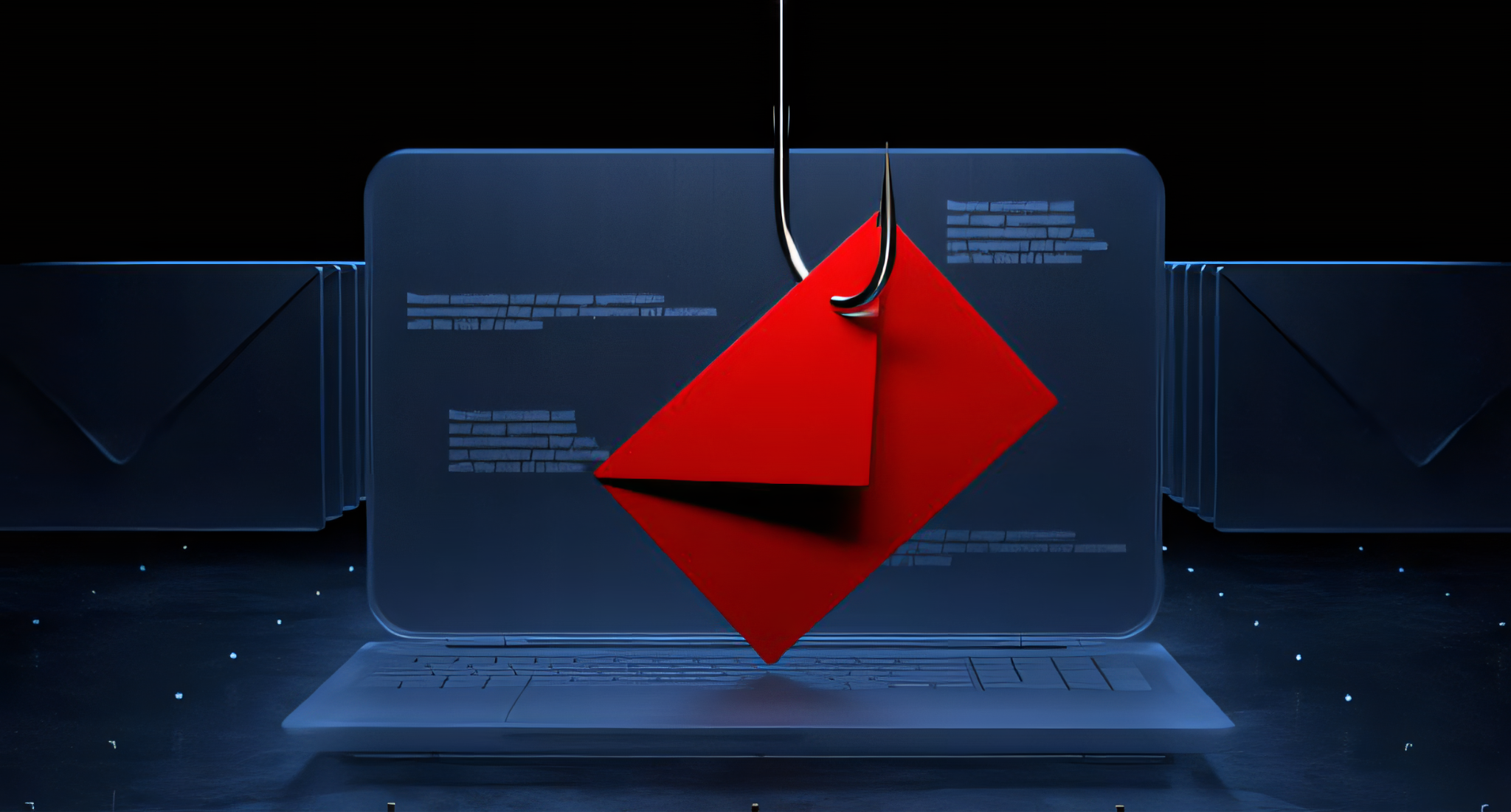
Imagine someone casting a line into your inbox, hoping to catch valuable information: passwords, account details, even your hard-earned money. That is the basic idea behind phishing, a cybercrime that uses deceptive emails to trick people into revealing personal information.
Phishing scams are among the most common threats faced online, targeting individuals and organisations alike. Don’t let the technical term fool you: understanding how phishing works, and the warning signs to look out for, is essential for anyone who uses email.
This guide equips you with the knowledge to recognise and avoid phishing attempts, keeping your information and your finances safe.
How phishing works: the bait and the hook
Phishing emails often appear to come from legitimate sources you trust, like banks, credit card companies, social media platforms or even government agencies. The scammers use clever tactics to create a sense of urgency or fear, tricking you into clicking a link or opening an attachment. These links or attachments can lead to:
Fake login pages. Designed to mimic genuine login pages for banks, social media or other online services. Once you enter your credentials, the scammer steals your login details.
Malware downloads. Attachments or links in phishing emails can download malicious software like viruses, keyloggers or ransomware onto your device. These programs can steal your data, track your activity, or even lock you out of your files and demand a ransom to restore access.
Phishing tactics: what to look out for
- Sense of urgency. Phishing emails often pressure you to act quickly, claiming your account is at risk, a payment is overdue, or there is a limited-time offer. Don’t let fear cloud your judgement.
- Generic greetings. Legitimate companies will usually address you by name. Generic greetings like “Dear Customer” or “Dear User” are a sign that something may be off.
- Misspellings and grammatical errors. Reputable organisations take pride in professional communication. Typos, grammatical mistakes or awkward phrasing can indicate a phishing attempt.
- Suspicious sender addresses. Look closely at the email address. Even small variations in a legitimate company’s domain (e.g. “@gmai.com” instead of “@gmail.com”) can be a giveaway.
- Unrealistic offers or threats. An email promising a sudden windfall, or threatening dire consequences if you don’t click a link, is a classic phishing tactic. Be sceptical of anything that seems too good to be true.
- Attachments from unknown senders. Never open attachments from senders you don’t recognise. Even familiar names can be spoofed, so exercise caution.
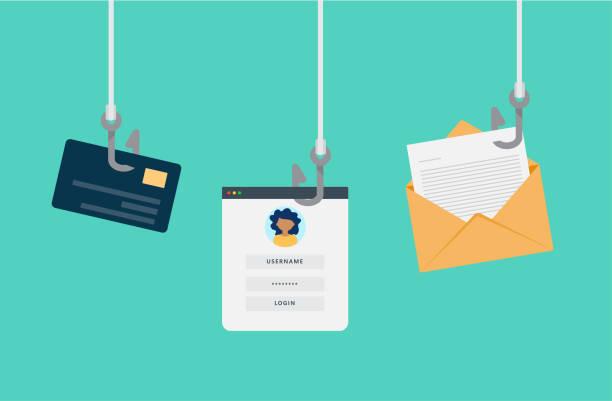
How to protect yourself from phishing attacks
By following these simple steps, you can significantly reduce your risk of falling victim to a phishing scam:
- Don’t click on links or open attachments in suspicious emails. If you are unsure about an email’s legitimacy, don’t interact with it.
- Verify sender information. Hover over the sender’s name or email address to see the real address. Don’t rely solely on the displayed name.
- Go directly to the source. If an email claims to be from a company you deal with, log in to your account directly on the company’s website (by typing the address into your browser, not by clicking a link in the email) to check for any issues.
- Enable two-factor authentication. This extra layer of security requires a second verification step, like a code sent to your phone, when logging in to your accounts.
- Keep software updated. Regularly update your operating system, web browser and security software to make sure you have the latest security patches.
- Report phishing attempts. Most email providers have a way to report phishing attempts. Doing so helps them identify and block future scams.
Remember: legitimate companies will never ask you for sensitive information like passwords or credit card details by email. If you receive such a request, it is a phishing attempt.
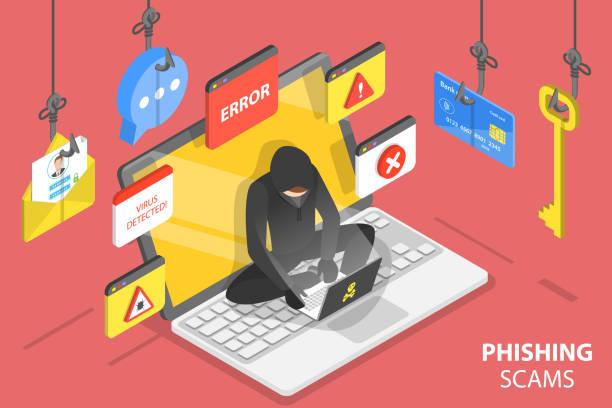
Beyond the basics: advanced phishing techniques
While the tactics mentioned above are the most common, phishing scams are becoming increasingly sophisticated. Here are some additional things to be aware of:
- Spear phishing. This targeted form of phishing attacks a specific person or organisation. Scammers may research their target beforehand to make the email appear more plausible.
- Smishing. Phishing attempts that arrive by text message (SMS) are known as smishing. They often use tactics similar to email phishing.
- Vishing. Phishing scams carried out over the phone are called vishing. Scammers may try to pressure you into revealing personal details or downloading malware.
Conclusion: staying vigilant in the digital sea
The fight against phishing is an ongoing one. Scammers are constantly refining their tactics, which makes it all the more important to stay informed and alert. By understanding the common warning signs and adopting the practices described in this guide, you can significantly reduce your risk of falling for a phishing scam.
Remember, a moment of caution can save you a world of trouble. Don’t hesitate to double-check an email’s legitimacy before clicking or opening anything suspicious.
Here are some additional resources to help you stay ahead:
- The Federal Trade Commission (FTC): https://www.ftc.gov/phishing-0
- Anti-Phishing Working Group (APWG): https://apwg.org/trendsreports/
By staying vigilant and making cybersecurity a priority, you can navigate the digital sea with confidence, keeping your information and your finances safe from the hooks of phishing scams.
— Ayush Jha